 Puzzle Fern
Number puzzles
Suguru
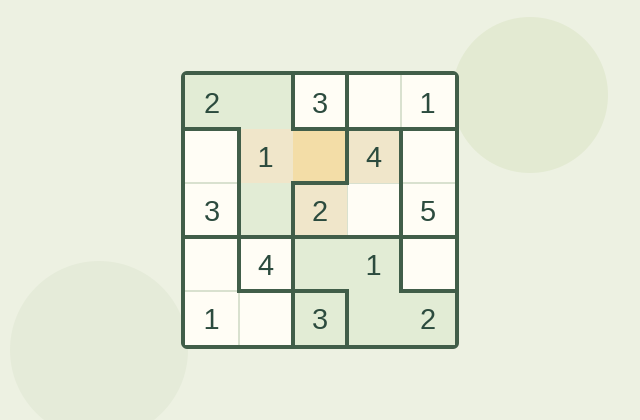
Small regions share one big rule: matching digits must stay apart, even across the corners.
Place one cat in every row, column and colored region. Keep cats apart, including at the corners. This page presents the ONLYDRK Studio game hosted by Playgama.
Loading CatDoku…
SIMPLE TO START
In the tested desktop version, click a square to mark an X and double-click to place a cat. Follow the in-game guide for the current controls. The help buttons show their remaining uses.
The game runs on Playgama. Saving and account features are controlled by that provider; progress is not shared with Puzzle Fern’s other games. Browser privacy settings may affect saving.
CatDoku is developed by ONLYDRK Studio and hosted by Playgama. Puzzle Fern provides this page’s independently written rules and cover illustration; the embedded game and its assets belong to their respective owners. Provider advertising and data practices apply.
Made by ONLYDRK Studio via Playgama. Original source ↗
Small regions share one big rule: matching digits must stay apart, even across the corners.
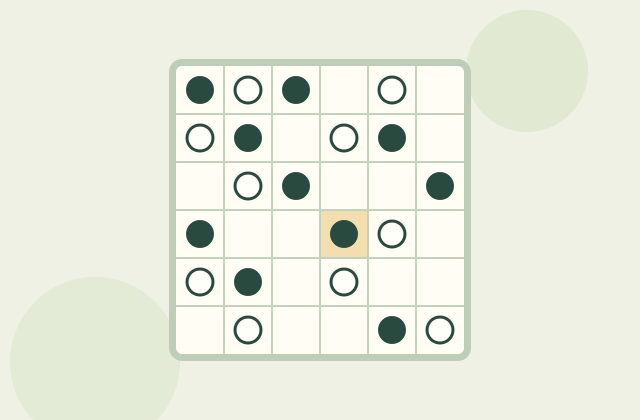
Two colors, three rules. Balance every row and column while keeping each line different.
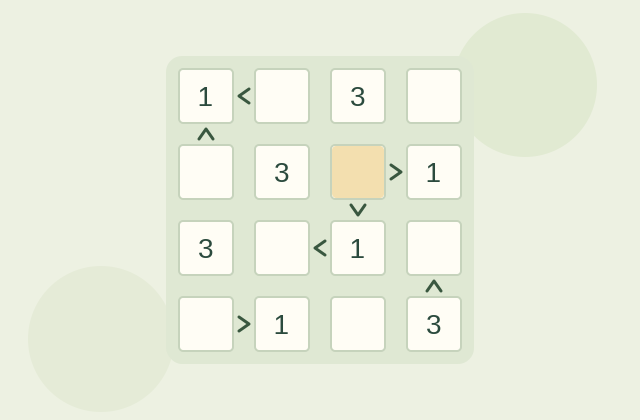
Small signs make a big difference. Fit the digits into rows and columns, then make every comparison true.